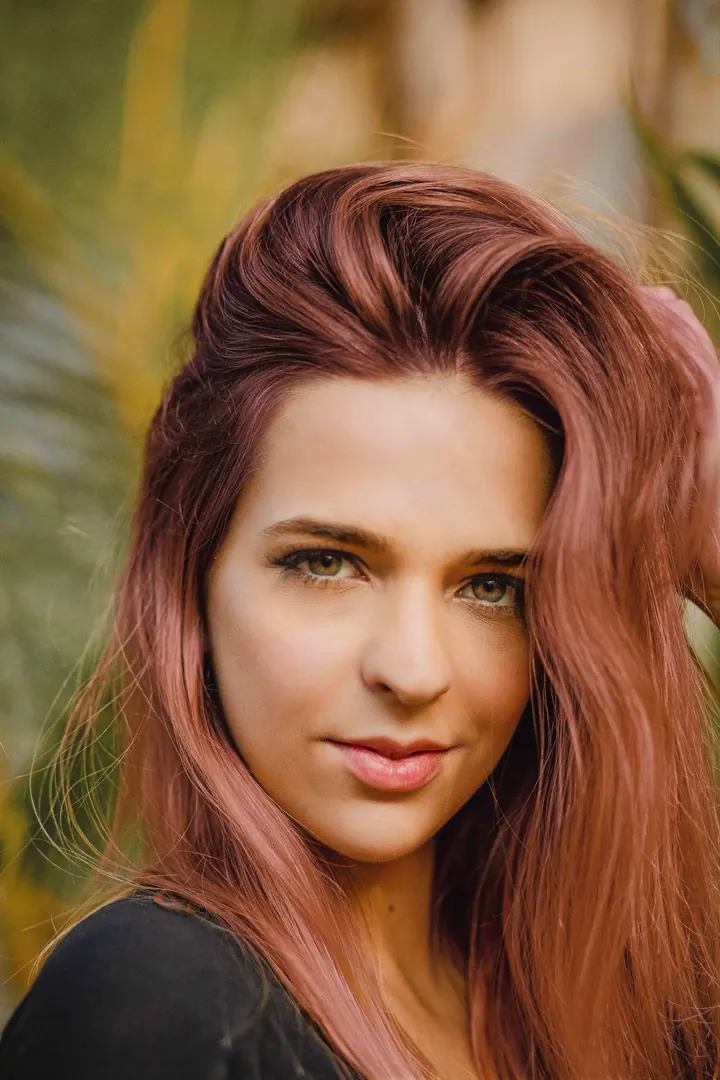
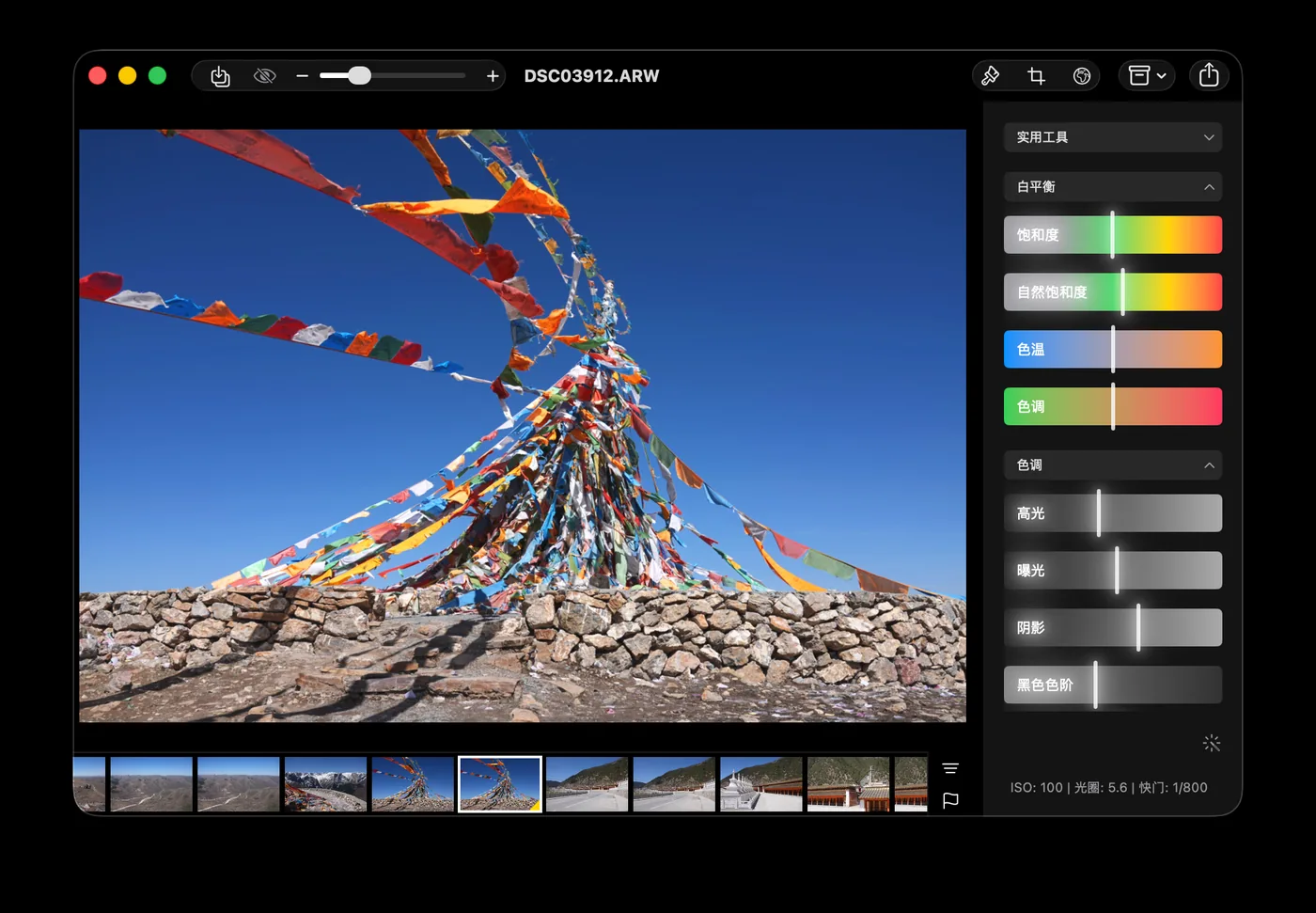
Start from RAW and fine-tune exposure, white balance, curves, HSL and LUTs. Crop, text, noise reduction and retouching live in the same editor.
iOS
iPhone
Edit the moment it strikes
A complete editor in your pocket: color, masks and export right after you shoot.
iPadOS
iPad
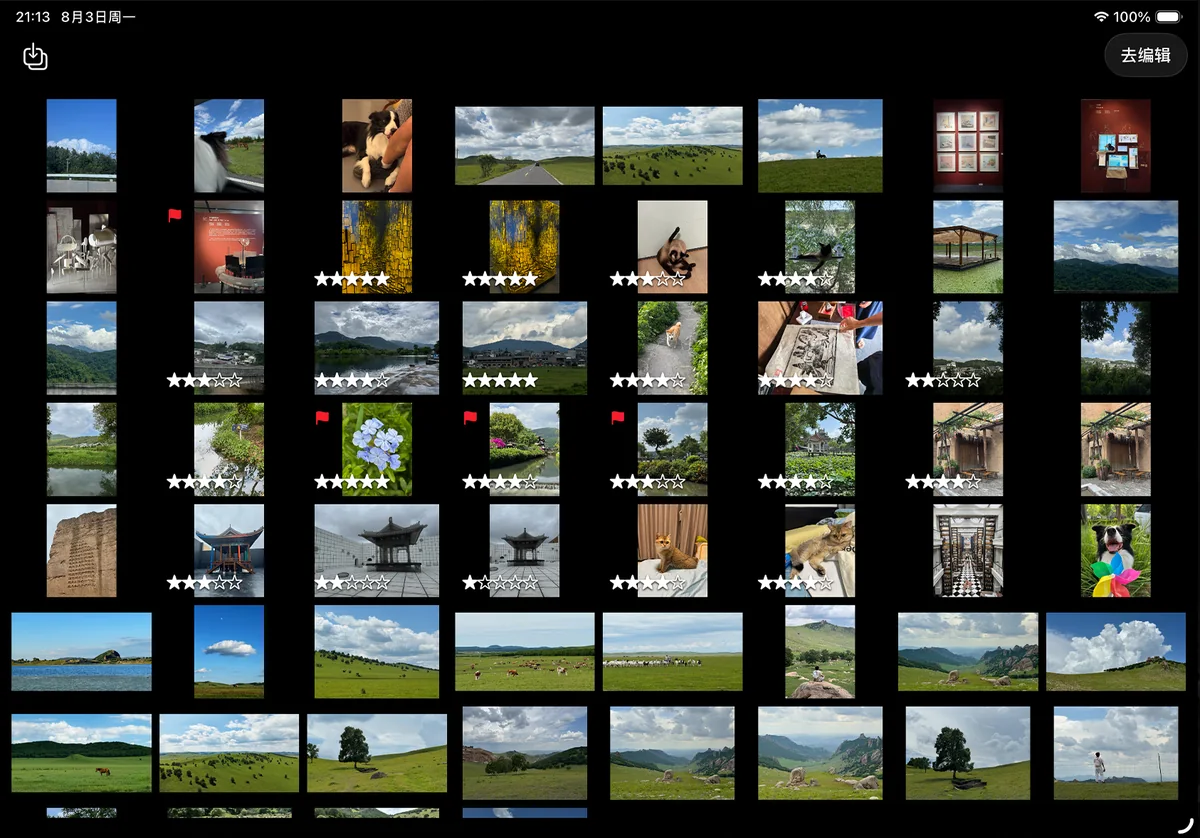
Spread out and take your time
Browse, star and sort photos on a bigger screen.
macOS
Mac
Room to really dig in
The photo, adjustment panels and filmstrip in one view, with keyboard shortcuts for faster culling.
App screenshots are shown in Chinese.
Smart retouching
Let the app set a starting point and score the shot, use masks to adjust only what you want, then refine portraits. Analysis and detection run on device.
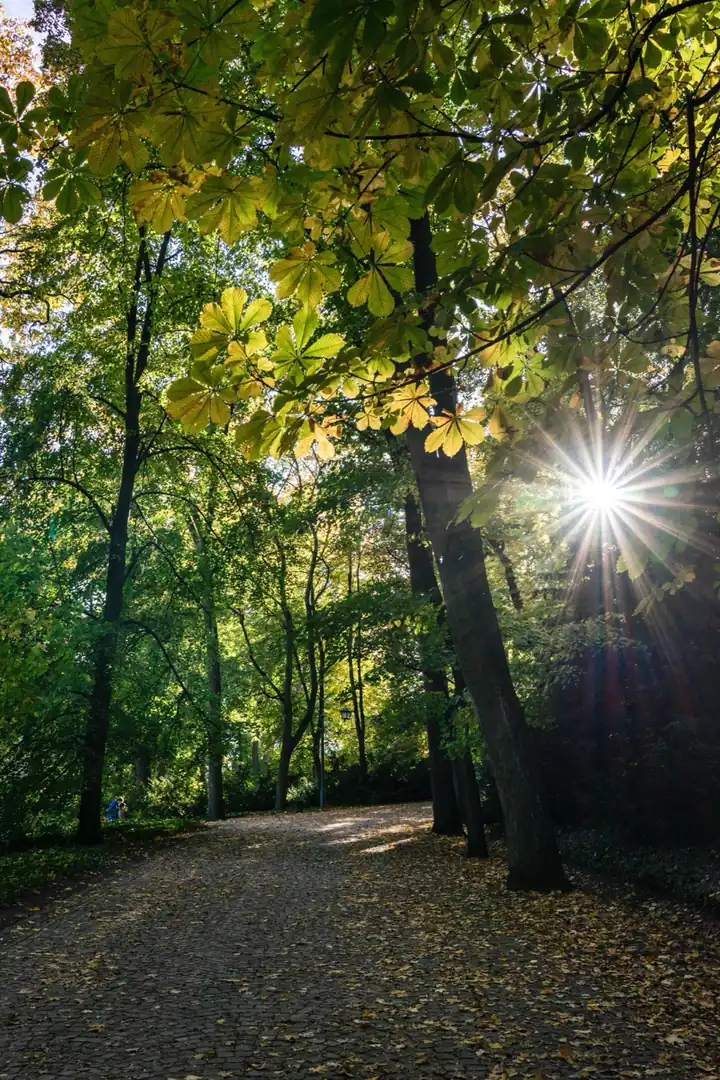
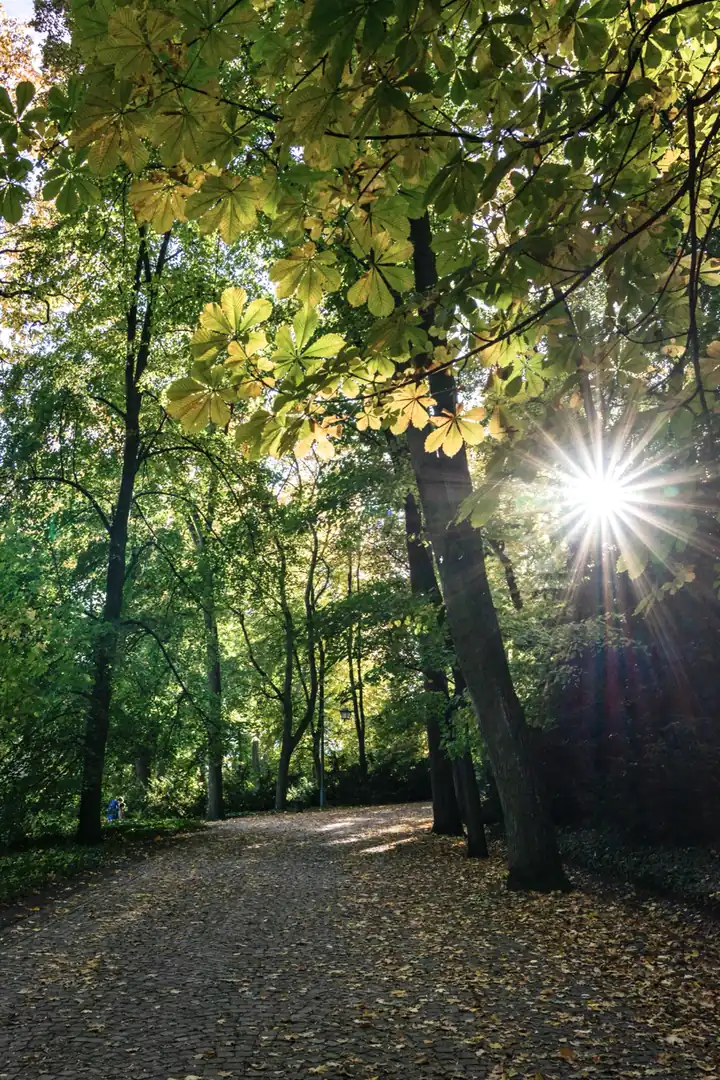
Sample analyzed locally in the app
Enhance in one tap, then check the score
Auto enhance balances light and color in one tap. Photo scoring rates the overall look, light, tone and color with suggestions — and every setting stays editable afterward.
Photo score90/ 100
Overall look
88
Light
81
Tone
100
Color
100
OriginalLocal color‹›
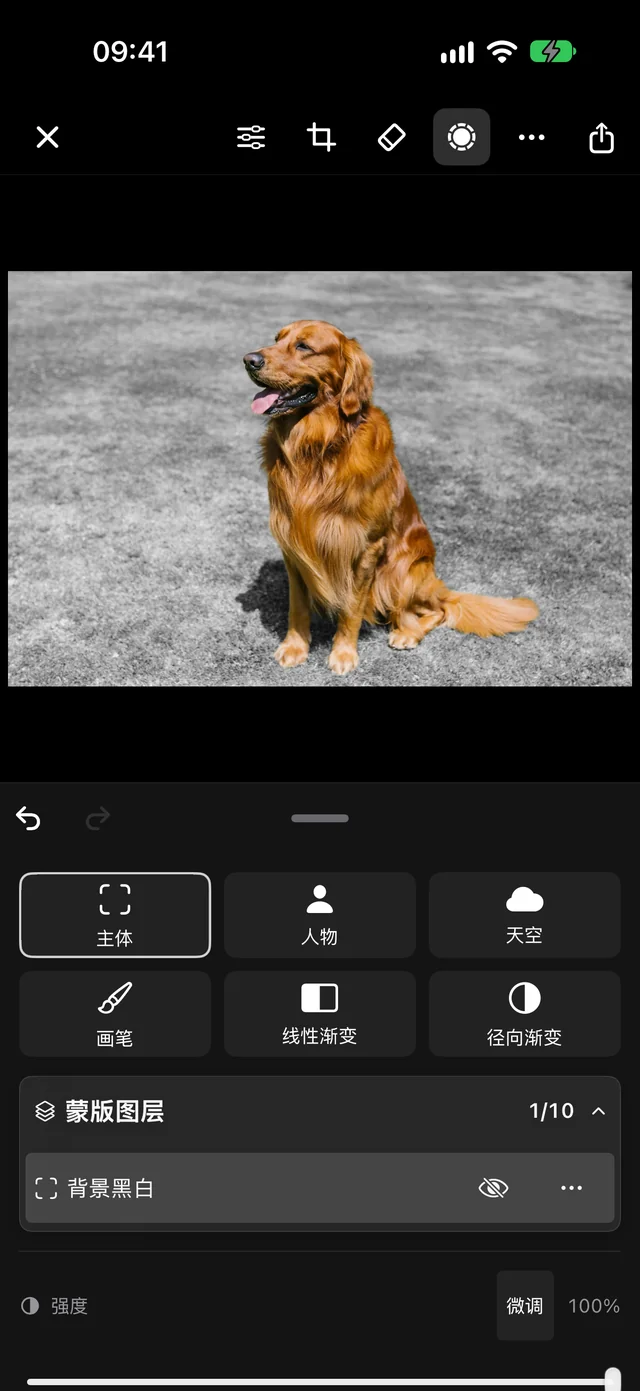
Adjust only what you want
Subjects, people and skies are detected automatically, or select with a brush, linear or radial gradient. Each mask has its own color settings, with feathering and invert.
Selection
Subject, inverted to background
Adjustment
Black and white
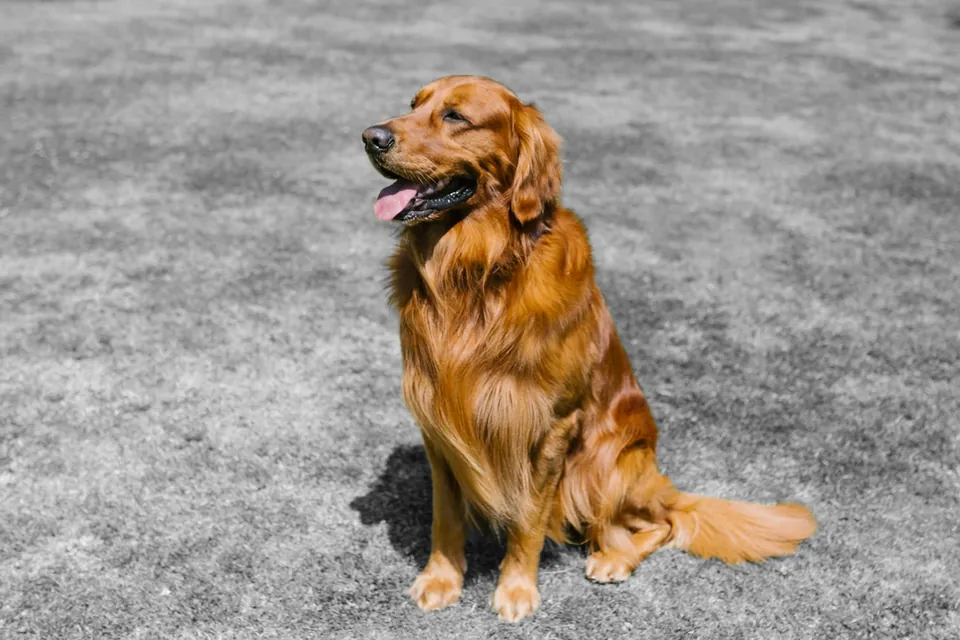
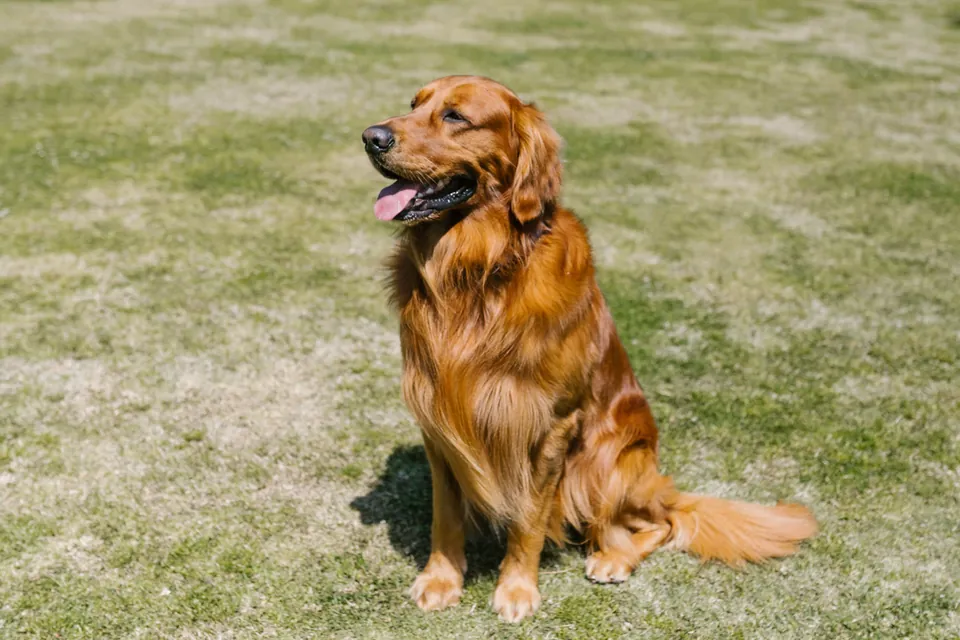
Drag the photo or slider, or use the arrow keys to compare the actual edit.
Original and actual app exports
Portraits, down to the hair
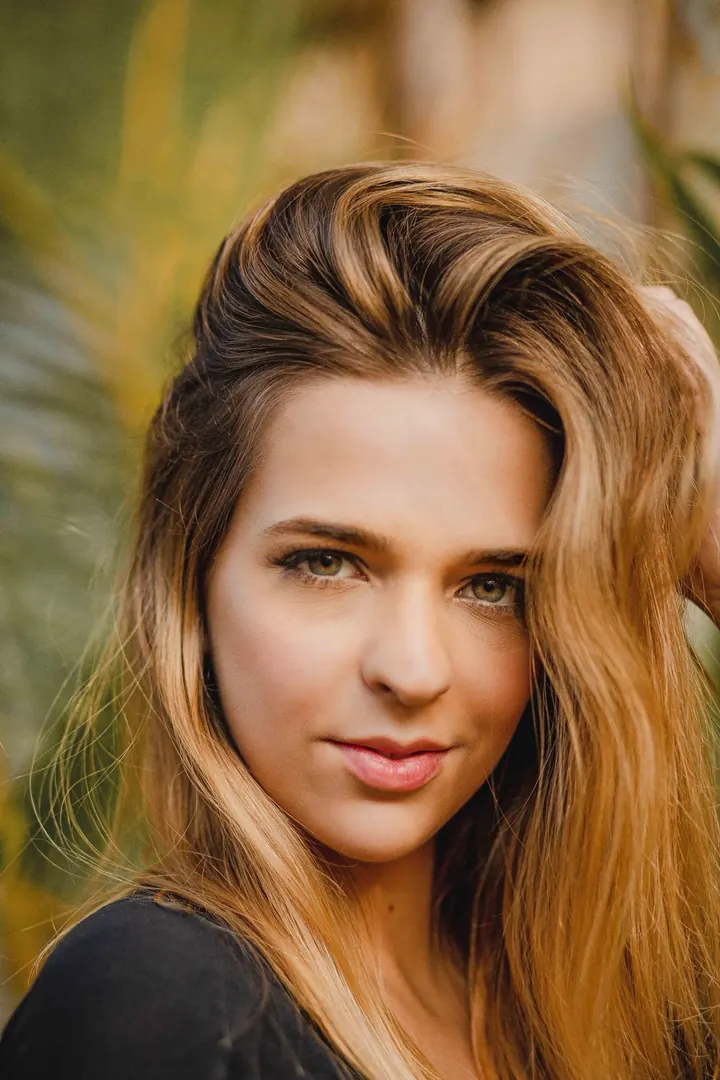
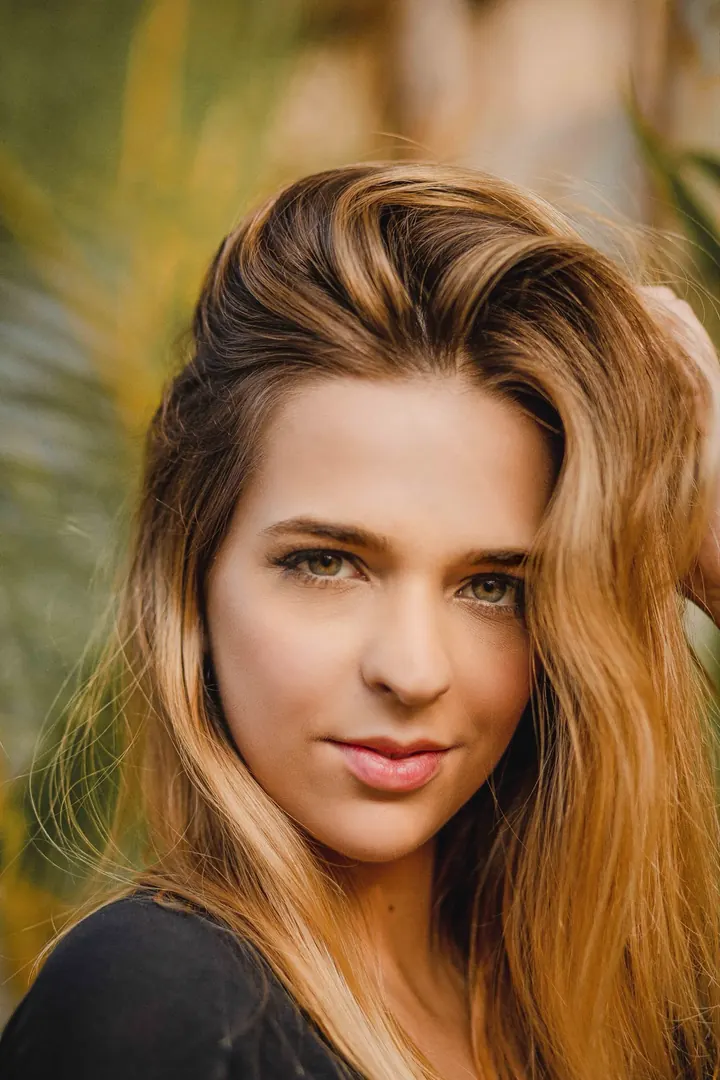
Select a person, then smooth, even out and brighten skin — or color hair, whiten teeth, remove blemishes, enlarge eyes and slim faces. Detection runs on device.
Smoothing
30
Evenness
20
Brightness
10
Actual export with smoothing 30, evenness 20 and brightness 10
Handy tools
The little jobs after editing, without switching apps: collages, video frames, text, cutouts and GIFs — on iPhone and on Mac.
MaciPhone
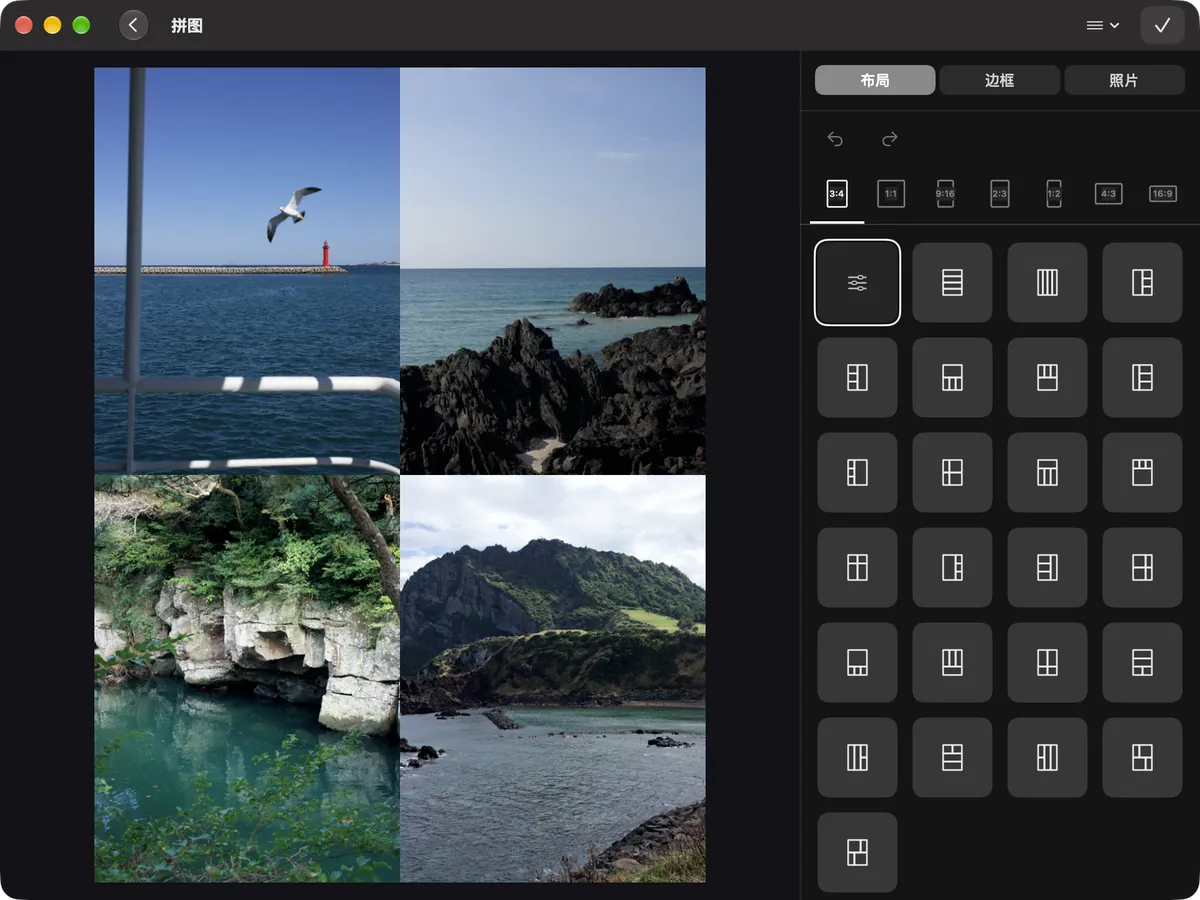
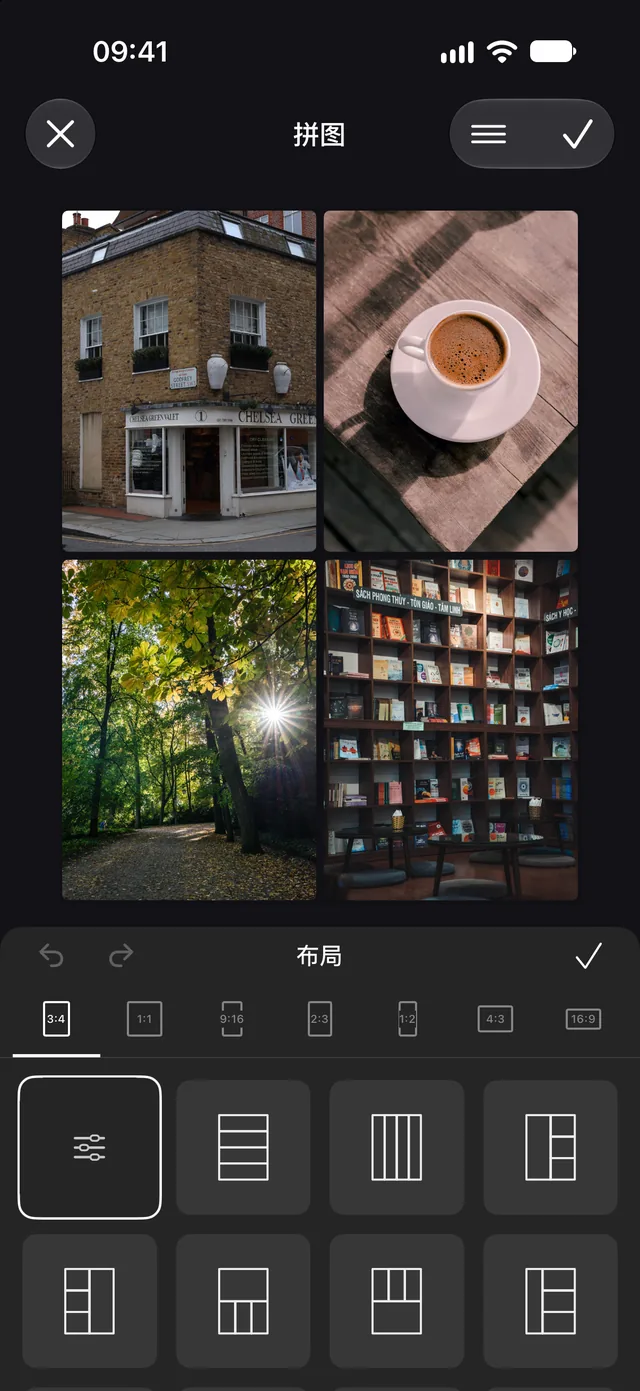
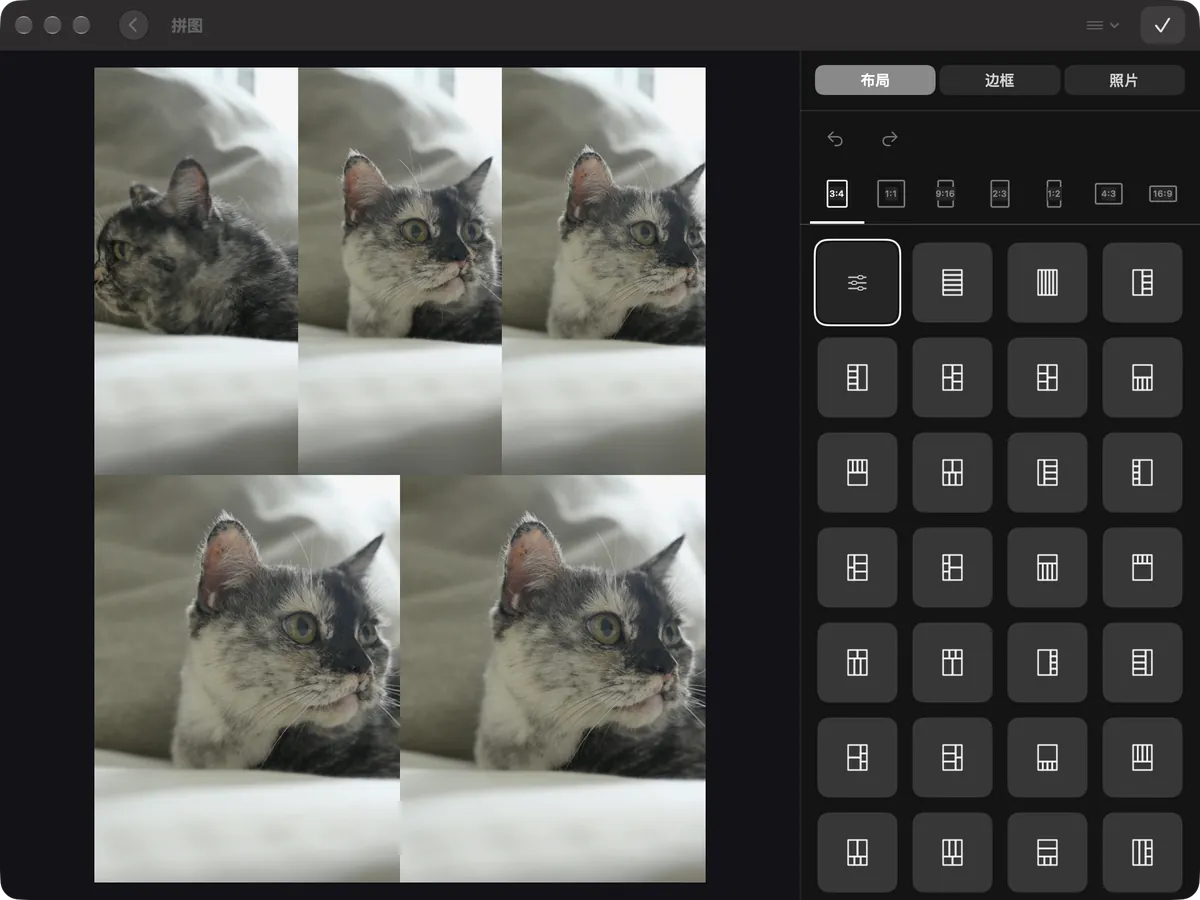
Combine photos with any ratio and border — Live Photos can move together too.
MaciPhone
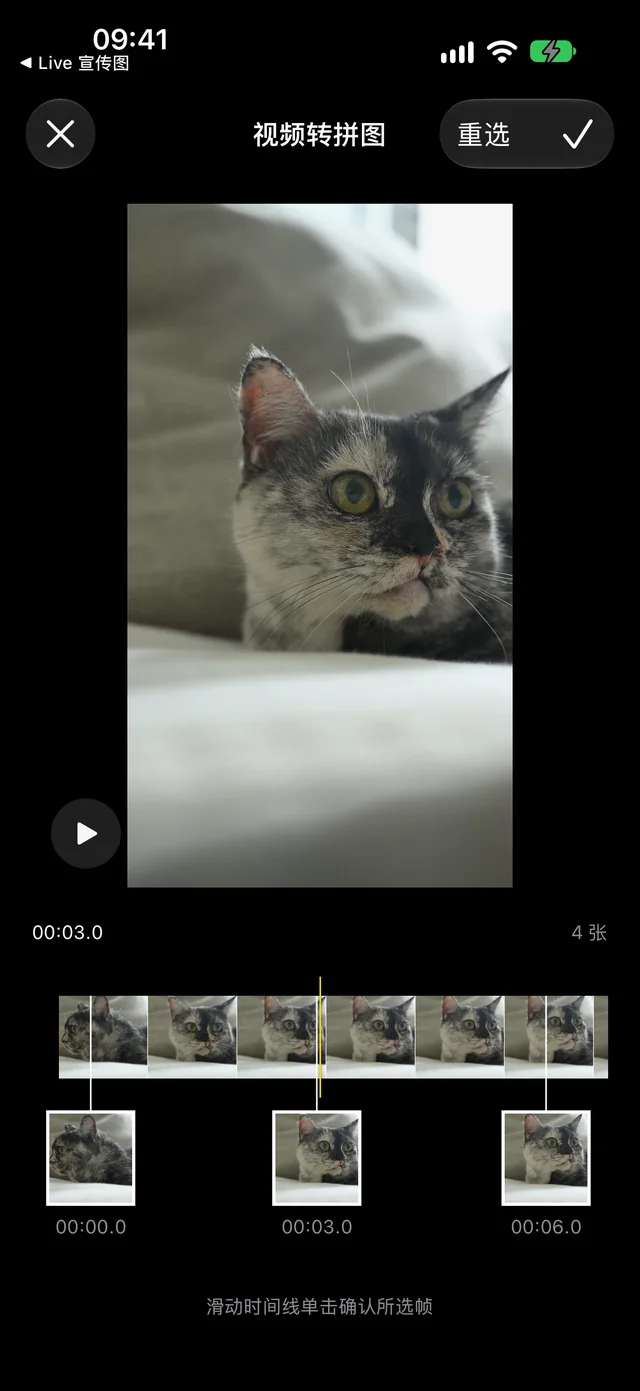
Scrub the timeline, pick 2 to 9 moments and lay them out as a collage.
MaciPhone
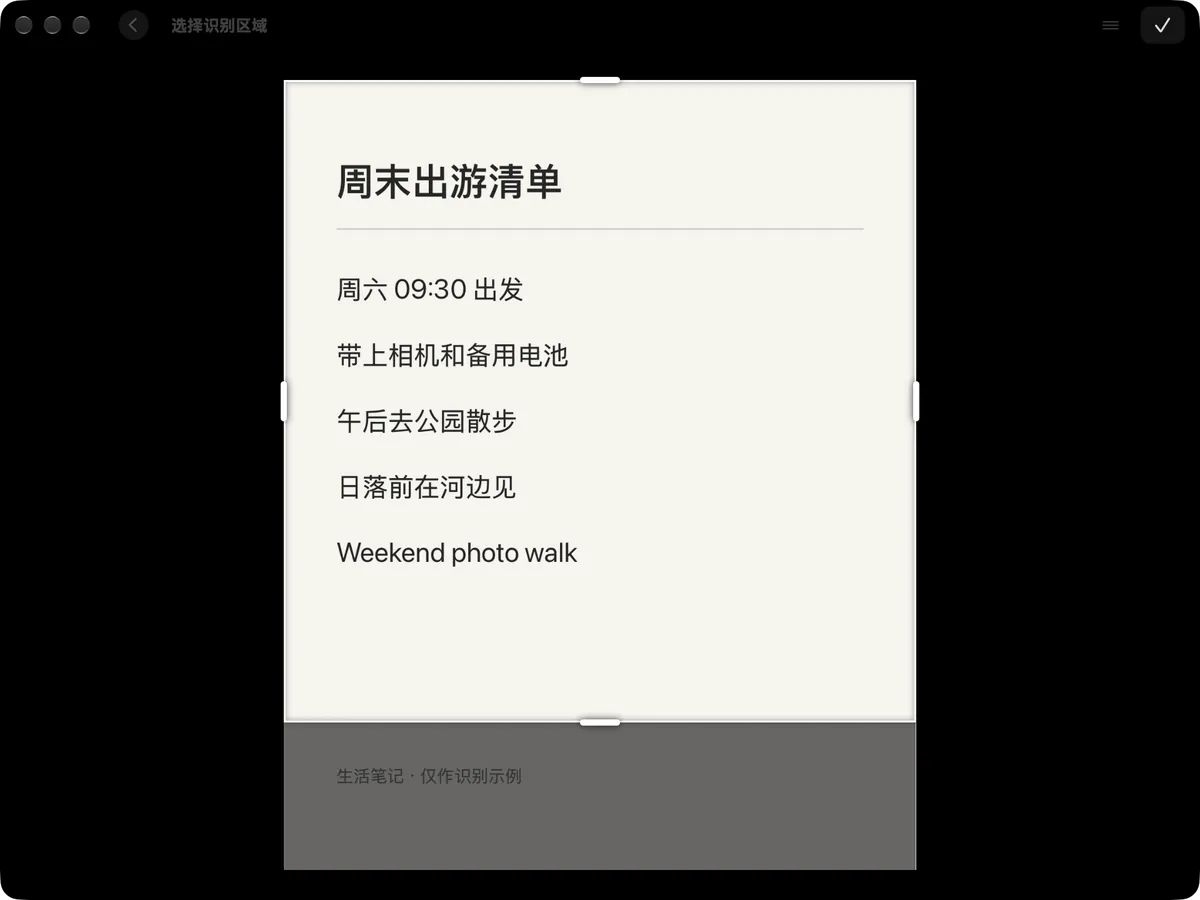
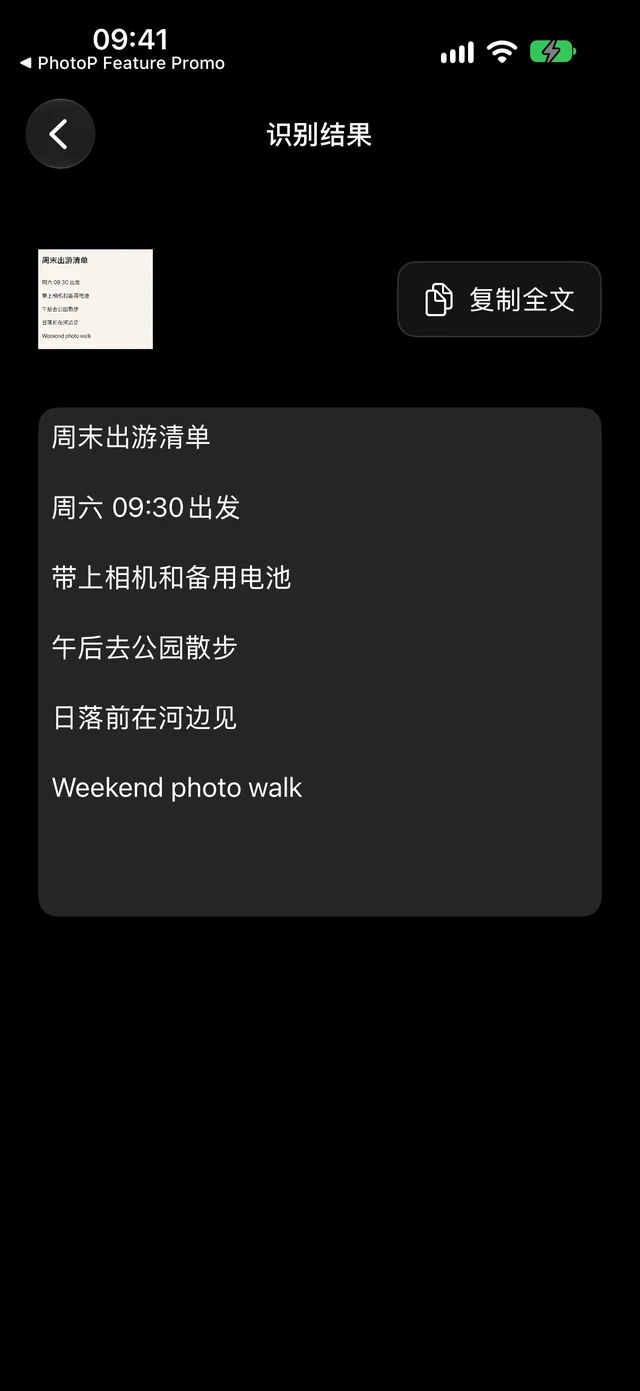
Select text in an image and recognize it on device, Chinese and English together.
MaciPhone
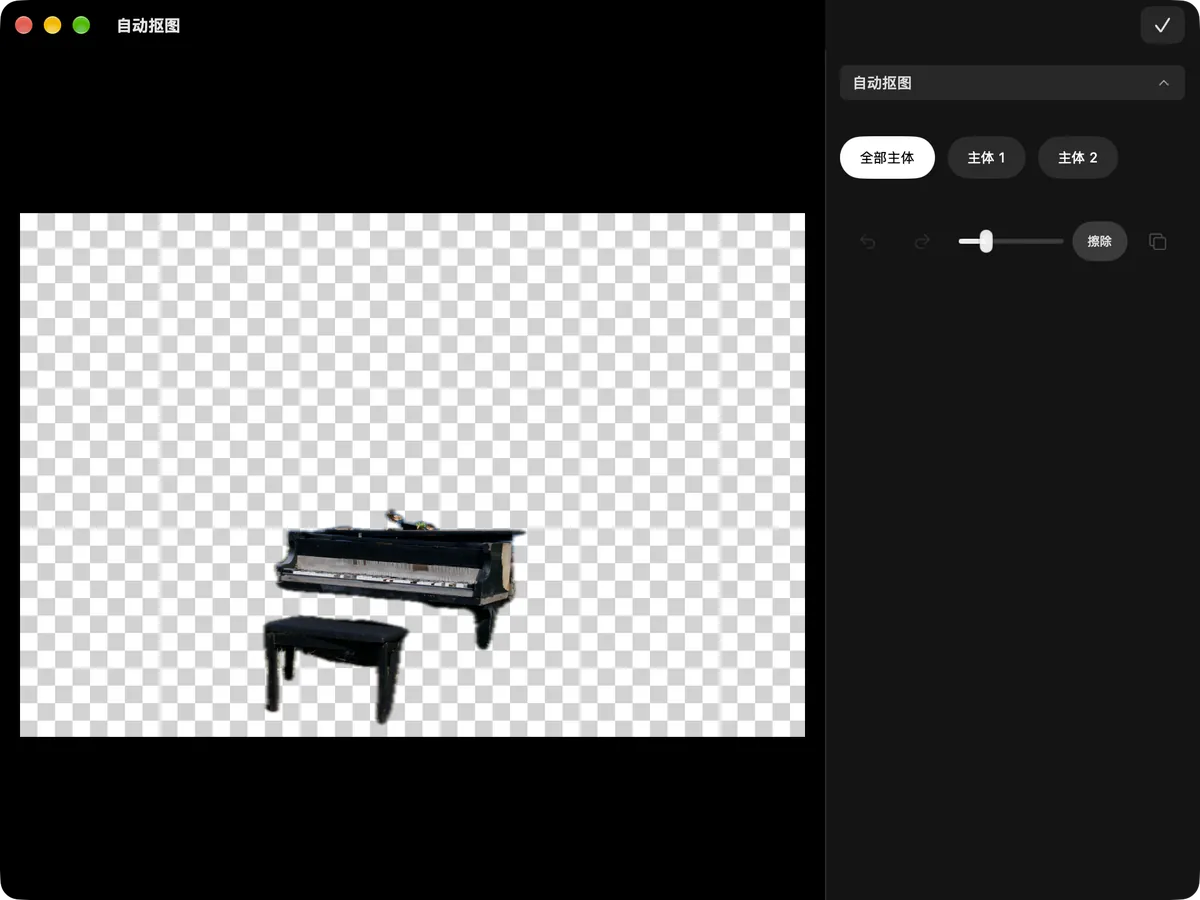
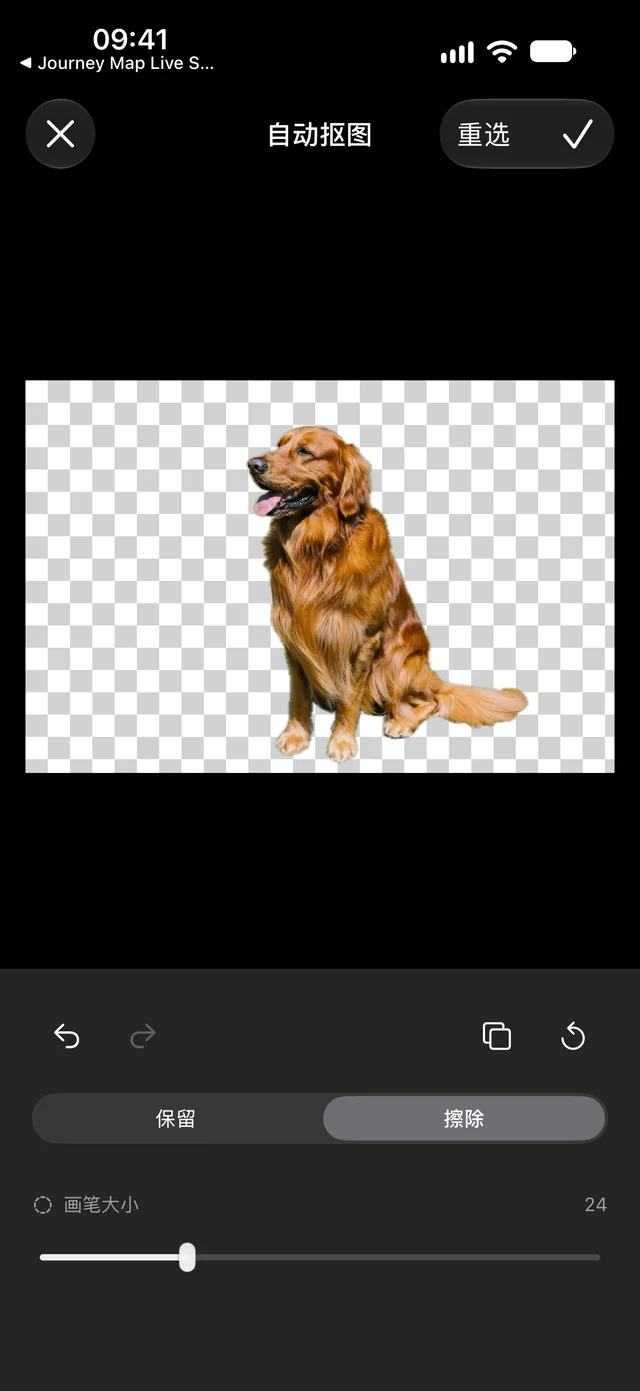
Detect subjects automatically, keep the one you want, refine the edges and export a transparent PNG.
Mac
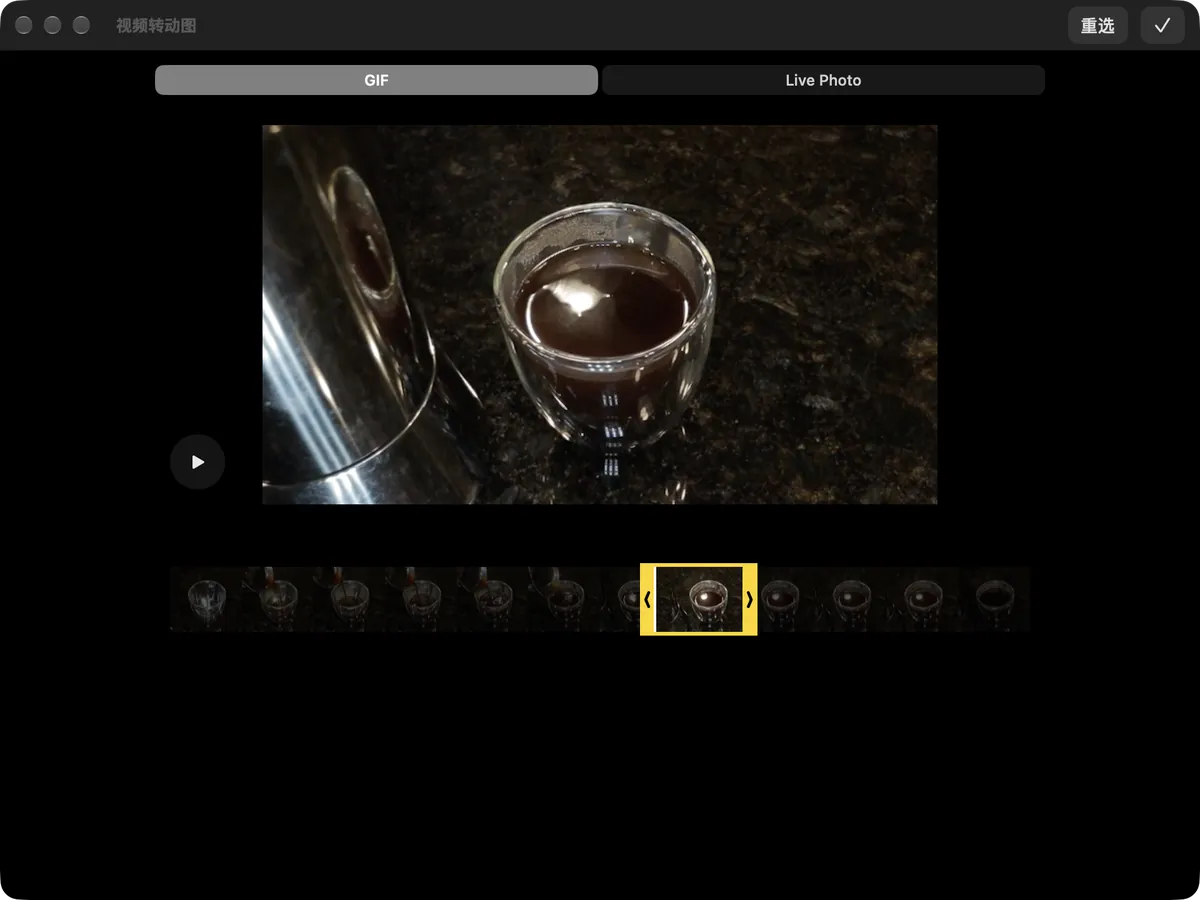
Trim a short clip into a GIF or Live Photo and choose your own cover.
MaciPhone
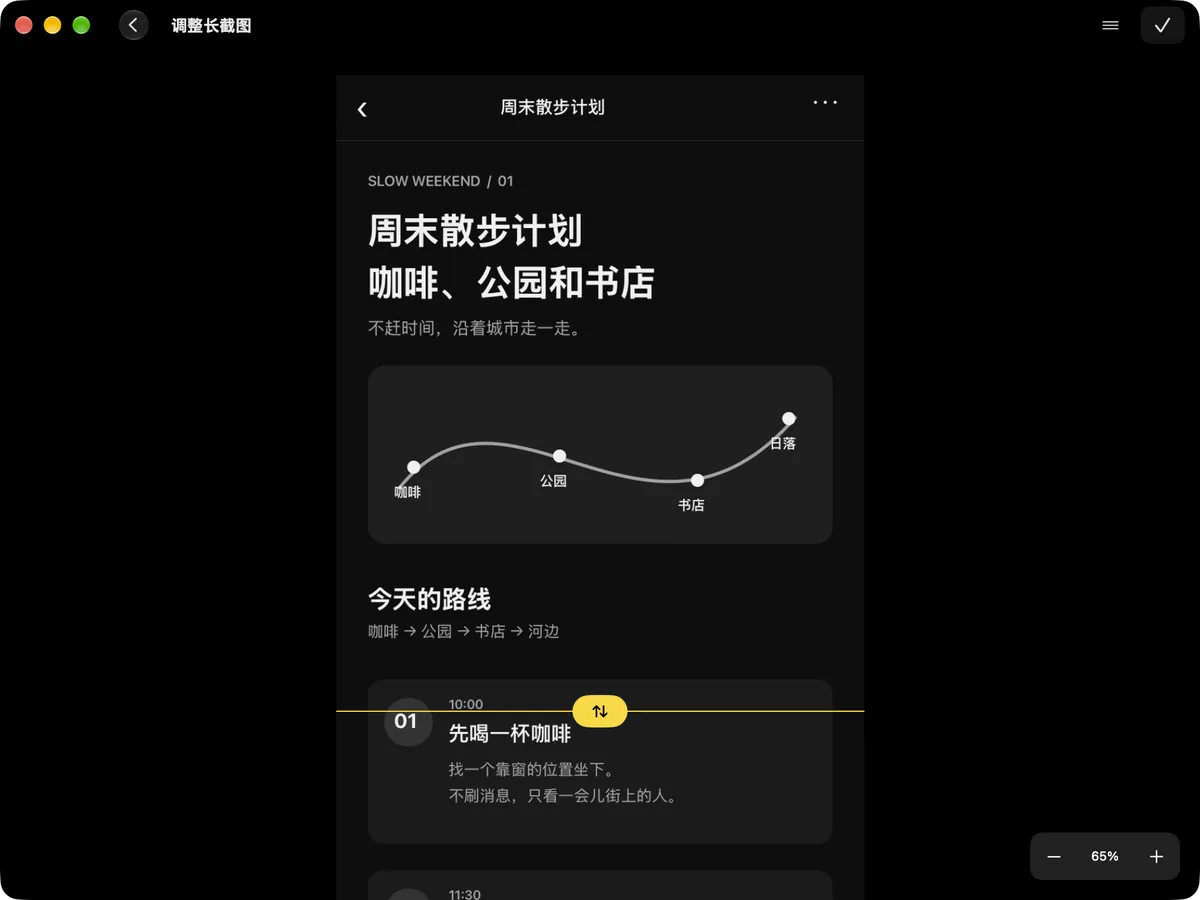
Stitch screenshots automatically and fine-tune every seam.
Mac · Colors are estimatediPhone
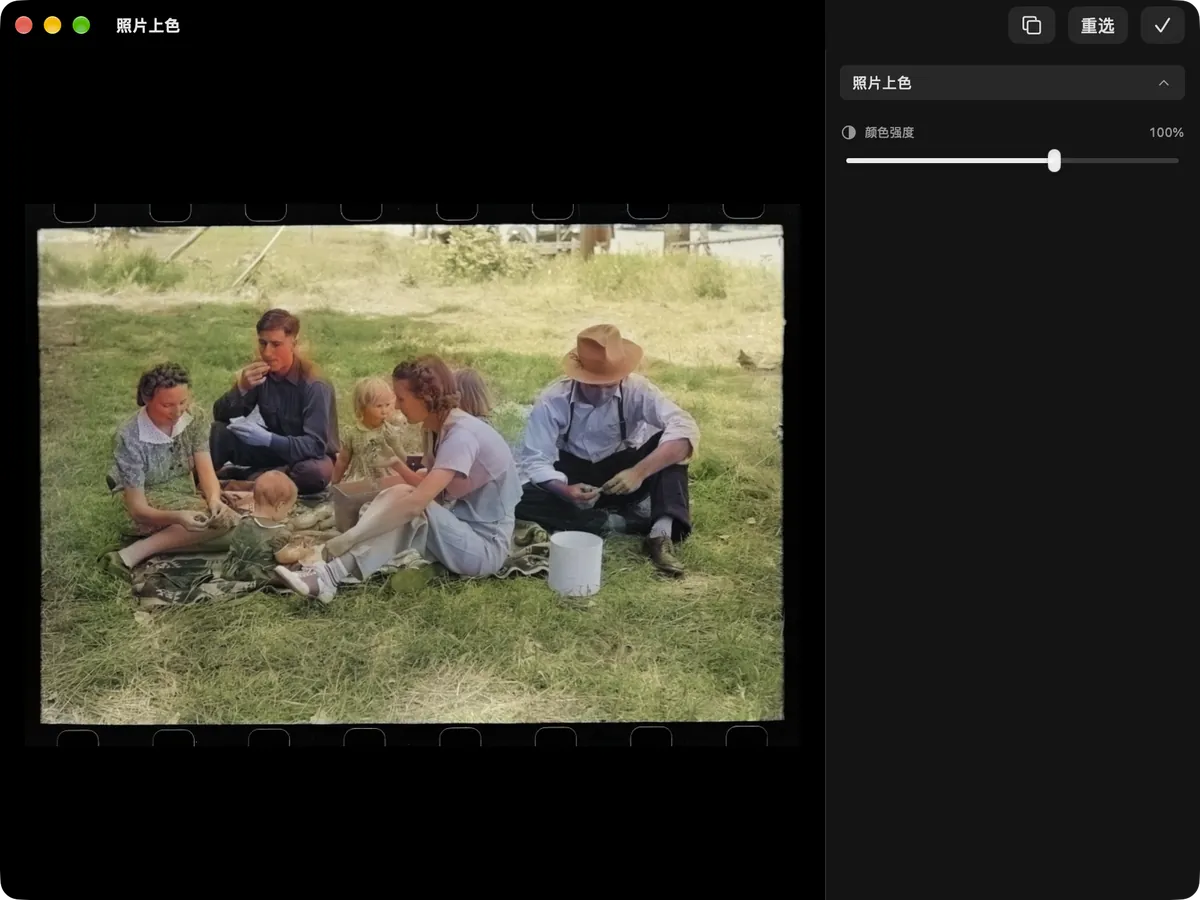
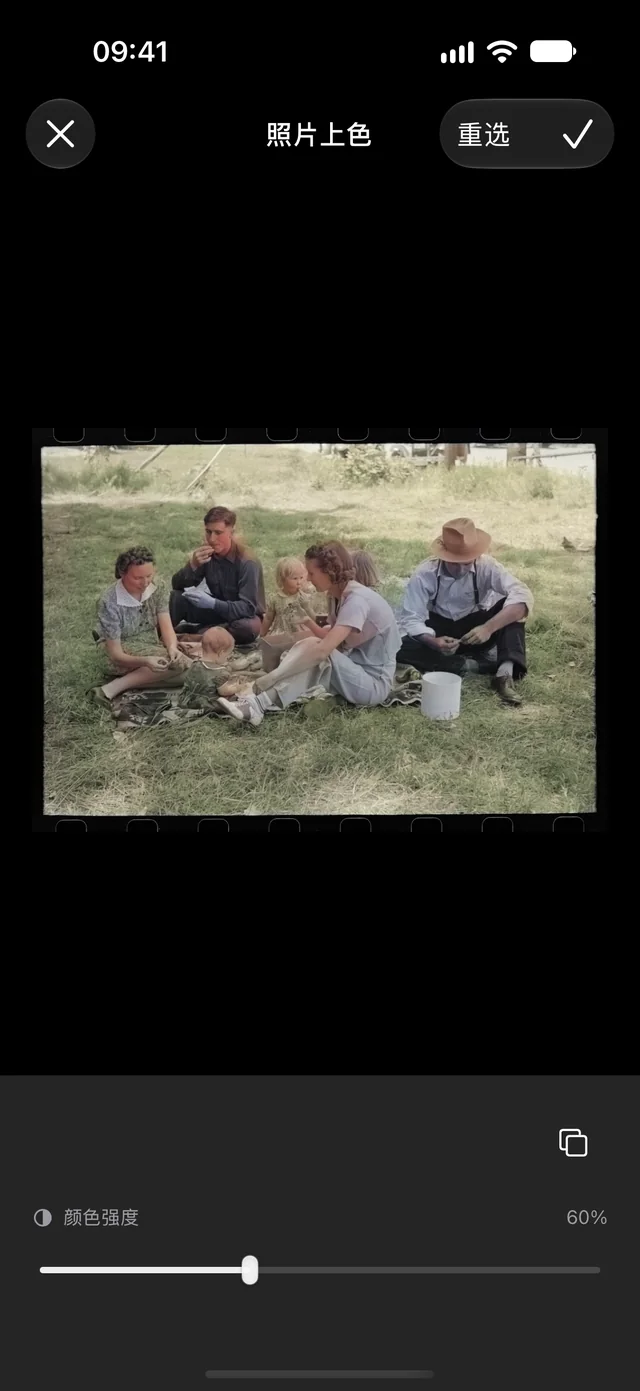
Add color to black-and-white photos with adjustable strength.
OriginalErased
iPhone
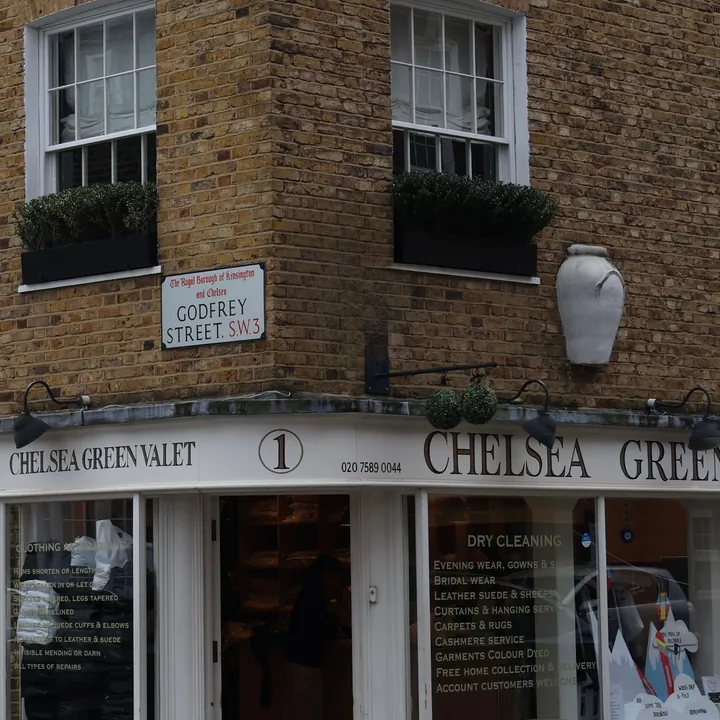
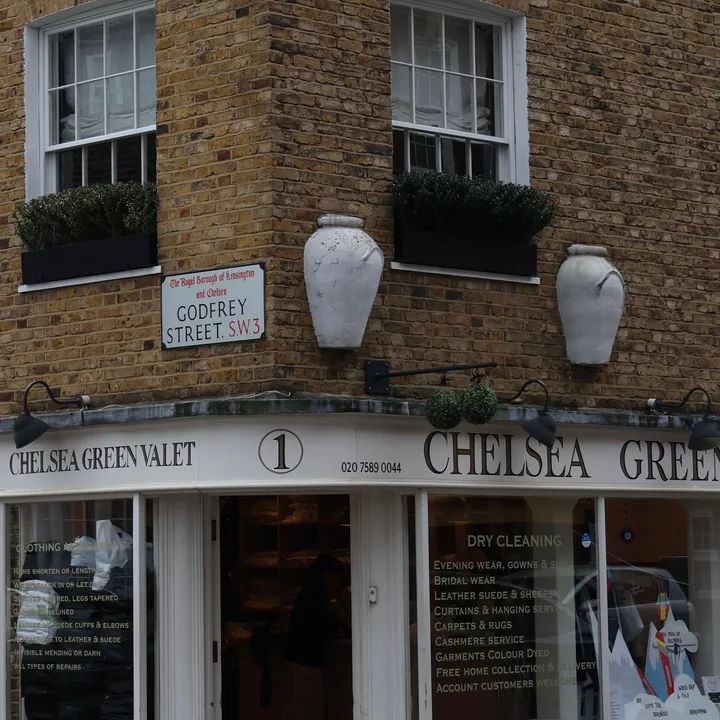
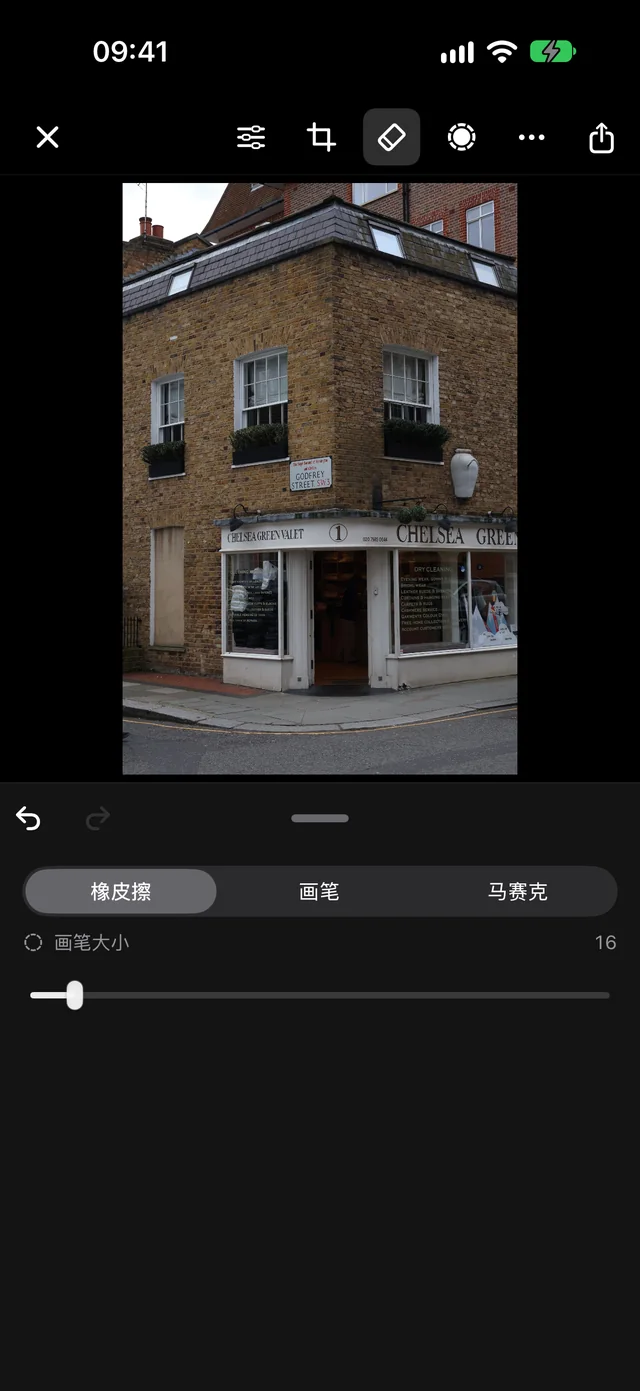
Brush over distractions and the eraser fills in the background; markup and mosaic are here too.
Albums
PhotoPeaks turns a set of photos into a 3D photo book: arrange covers, layouts and text, export images, PDF or video, or publish it online for friends. The book below was made in the app — go ahead and turn the pages.
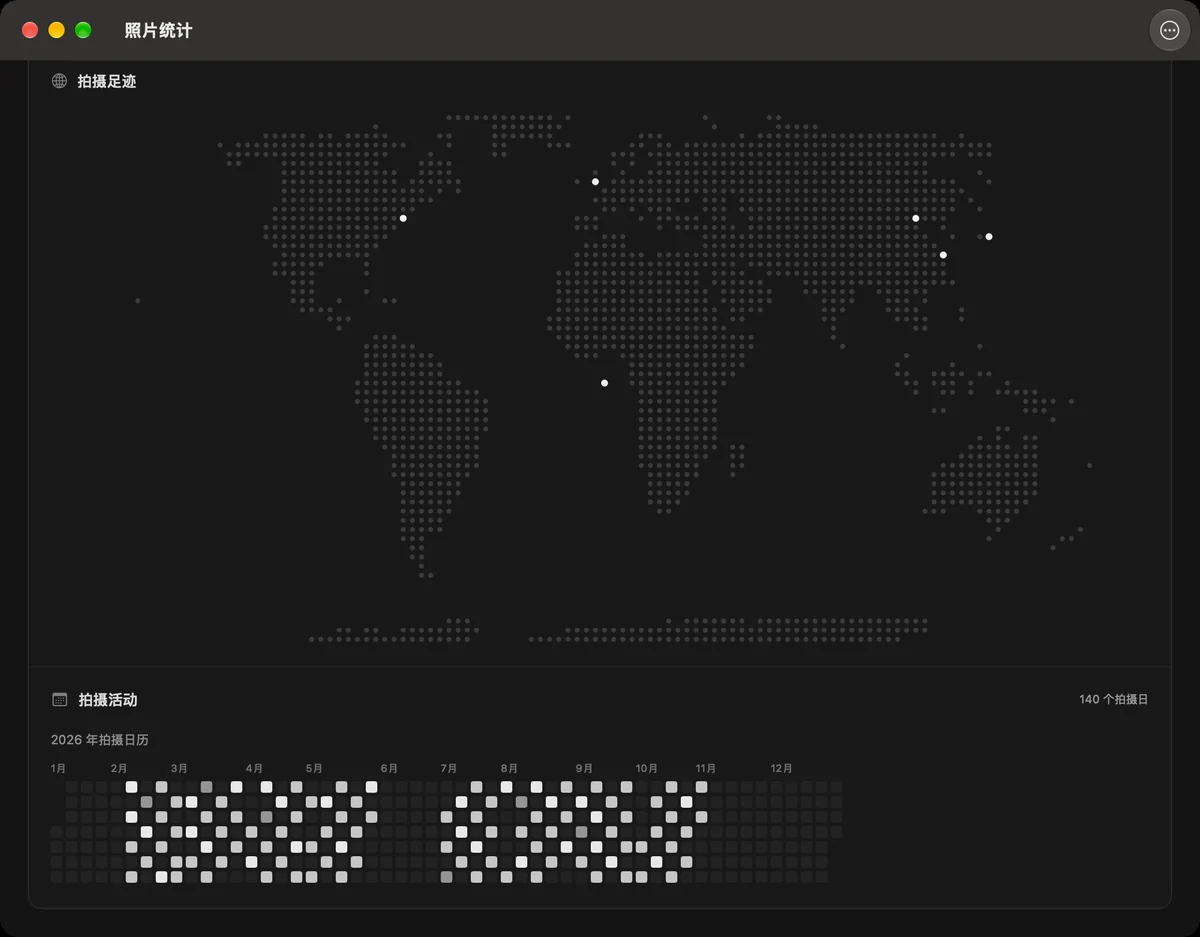
A shooting calendar, gear and exposure stats and a photo footprint map — on your Home Screen and desktop as widgets, too.
Photo statistics Sample data
Widgets Sample data
Good to know
A few questions
Which devices does PhotoPeaks support?
iPhone, iPad and Mac, on iOS, iPadOS and macOS. See the current App Store listing for system requirements and compatibility.
Are PhotoPeaks and PhotoP the same app?
Yes. PhotoPeaks is the new name for PhotoP. You can keep downloading and updating it from the same App Store page.
Can I edit RAW photos?
Yes. PhotoPeaks edits RAW files, including exposure, white balance, curves and color. Support for specific files depends on your device, system and camera model.
Can friends without the app view my albums?
Yes. Publish an album online and friends can turn its pages in a browser from a link. You can also export albums as images, PDF or video.
 PhotoPeaks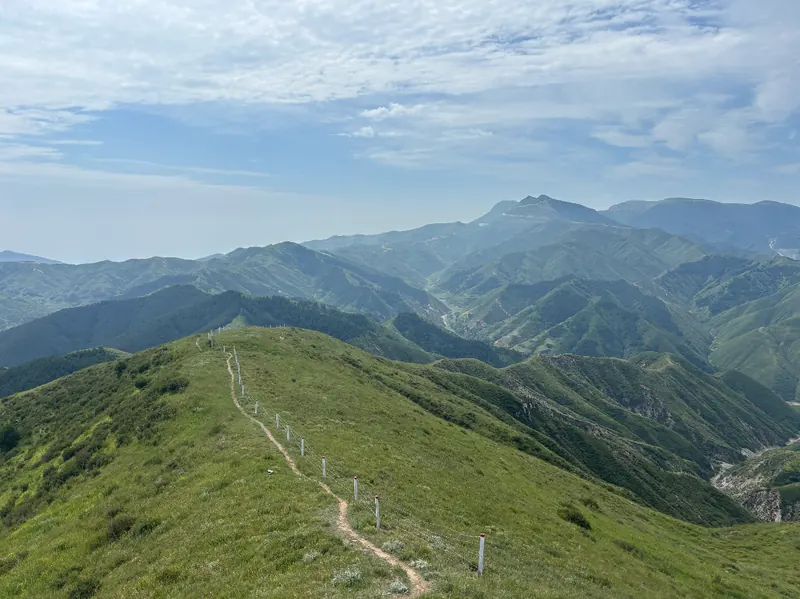
 Sample analyzed locally in the app